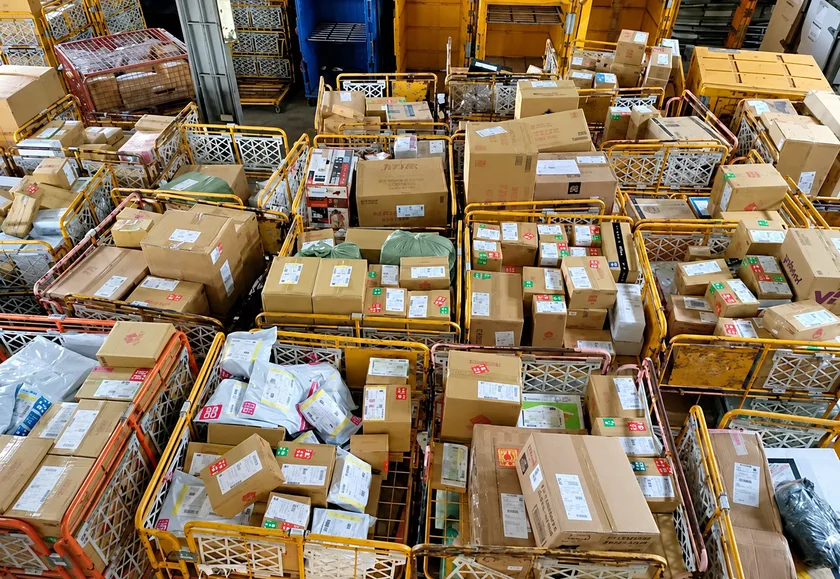
Online purchases
Parcels from multiple platforms arrive together, then ship overseas with consolidation as requested.




HAJOVIA Consolidation in China · International shipping
Send online purchases, 1688 orders, personal items and student luggage to our China warehouse. We receive and check your parcels, then arrange international shipping with consolidation as requested.
Not sure your items can ship? Get shipping help淘宝拼多多京东 1688


 HAJOVIAChina warehouse
Send one parcel, or request consolidation for several.
Use the receiving details and customer ID assigned to your account.
View my warehouse addressCheck configured routes and rates for your destination and items.
Explore routes and ratesFollow your shipping orders or search with a tracking number.
Track a shipmentDifferent sources. One receiving point.
Buy or prepare your own items, then arrange delivery to our warehouse yourself or through family, friends or sellers.
Parcels from multiple platforms arrive together, then ship overseas with consolidation as requested.
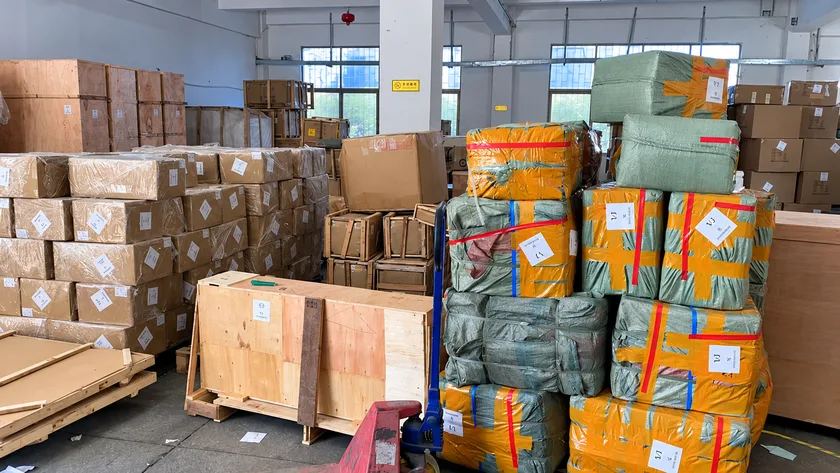
Sellers or suppliers send goods you have already purchased directly to HAJOVIA's warehouse.
1688Explore supplier deliveries
Clothes, books and everyday items, shipped internationally after confirmation.
Explore personal shipping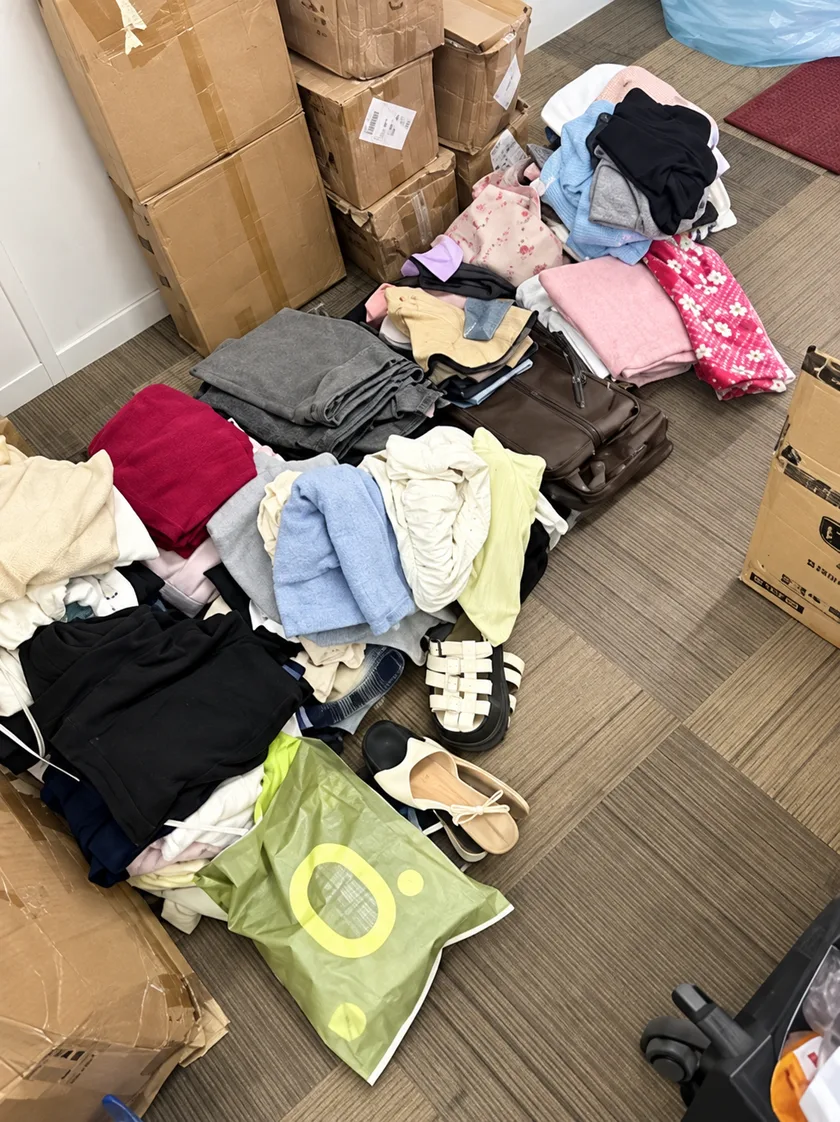
Luggage, seasonal clothes and supplies from home, shipped according to actual packaging.
Explore luggage shipping
Parents sending food, medicines and everyday supplies to their children: confirm shipping eligibility first.
Explore family deliveries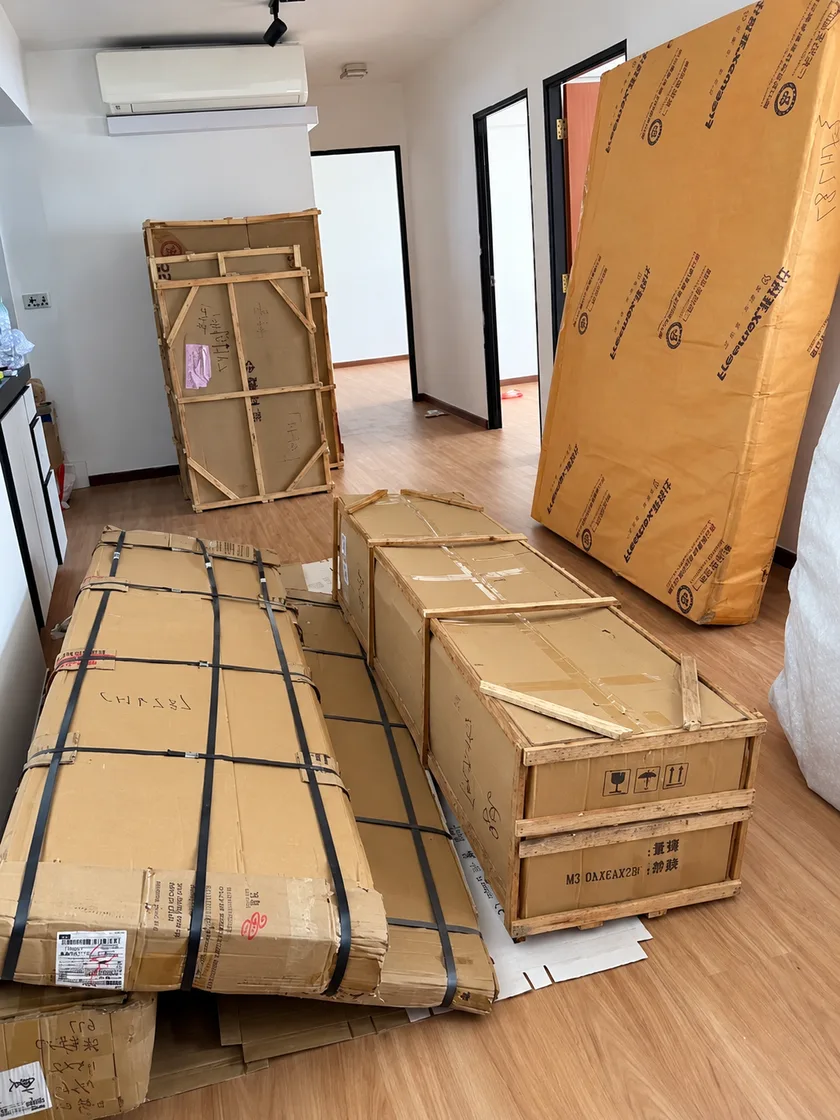
Oversized furniture and building materials: confirm the plan from dimensions, weight and packaging.
Ask about oversized shippingShipping services
Start with your items, destination and schedule, then check the routes available.
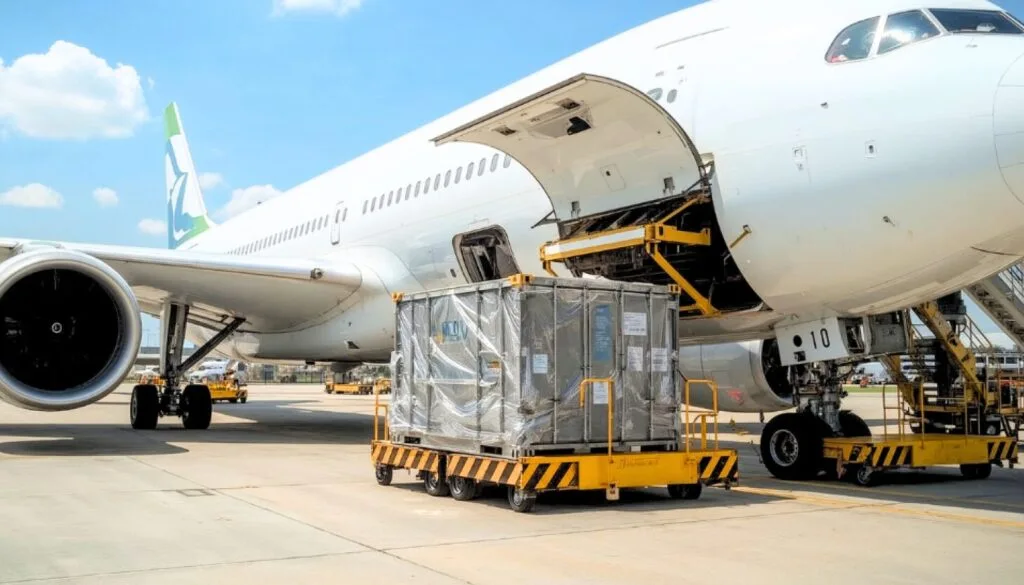
For time-sensitive shipping needs. Available routes depend on your items and destination.
Check available routes
For larger quantities, heavier goods or less time-sensitive shipping needs.
Check available routes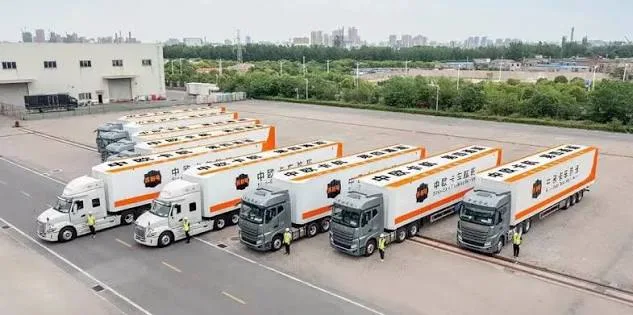
For active international road routes. Confirm the plan by destination, items and departure schedule.
Check available routesTransit times, taxes and charges depend on the actual route and confirmed quote. Restrictions vary by item and destination.
Transport photos illustrate shipping scenes, not aircraft, vessels or fleets owned by HAJOVIA.
How it works
Receiving, requests, quotes and dispatch have separate records, so you can see the current stage and what comes next.
Actual interface walkthrough · Demo order, not a real shipment
Screenshots show the English interface. Use your own account for actual orders.
Before shopping or sending personal items, copy your complete assigned receiving details from your account and use them as the delivery address.
After the seller, you or a friend sends the parcel, register its domestic tracking number promptly. Missing registration may delay identification, check-in and onward shipping.
Review warehouse arrivals and choose direct shipping or request consolidation as needed.
Check the packing results, measured weight, dimensions and costs. Follow the page instructions to confirm the packing results and the quote separately.
After reviewing and confirming the quote, follow the page instructions to pay. Dispatch is arranged only after payment is checked.
After dispatch, follow actual tracking updates and check your items on arrival. Contact support if anything is wrong.
From receiving to dispatch, each parcel is handled according to your shipping needs.
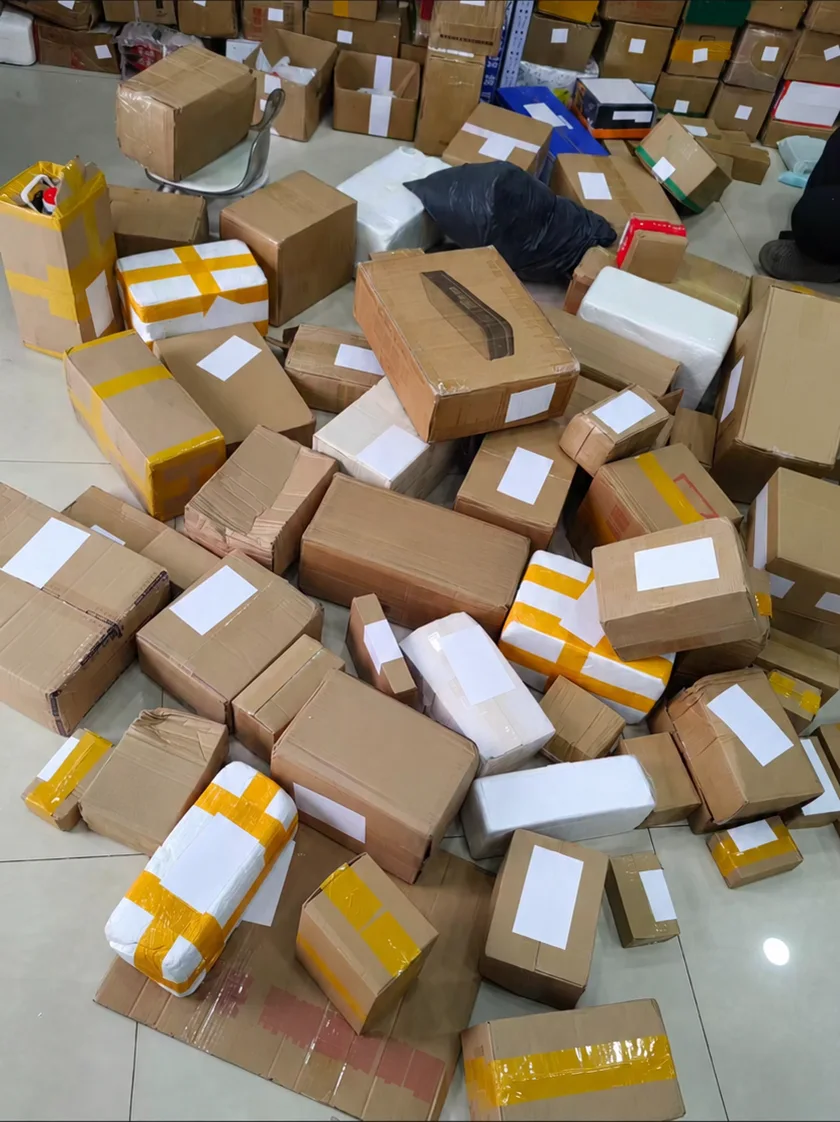
Check customer IDs and tracking numbers, and record warehouse arrivals.
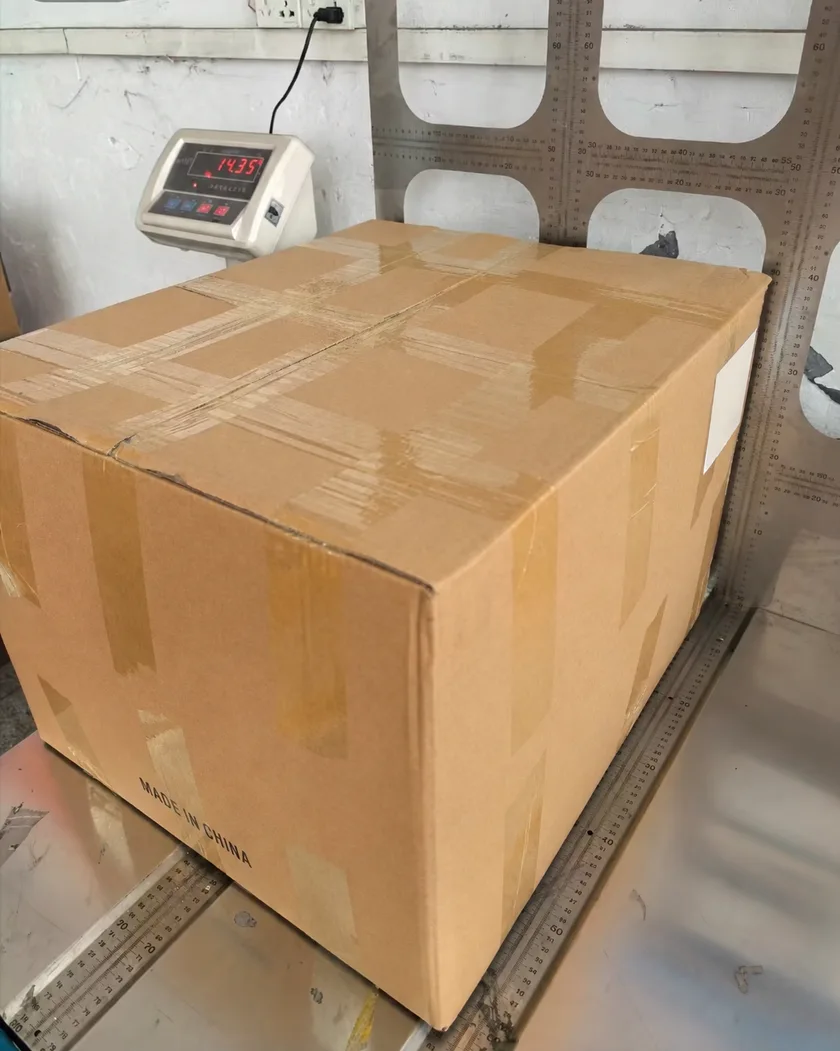
Check parcel details and record actual weight and dimensions.
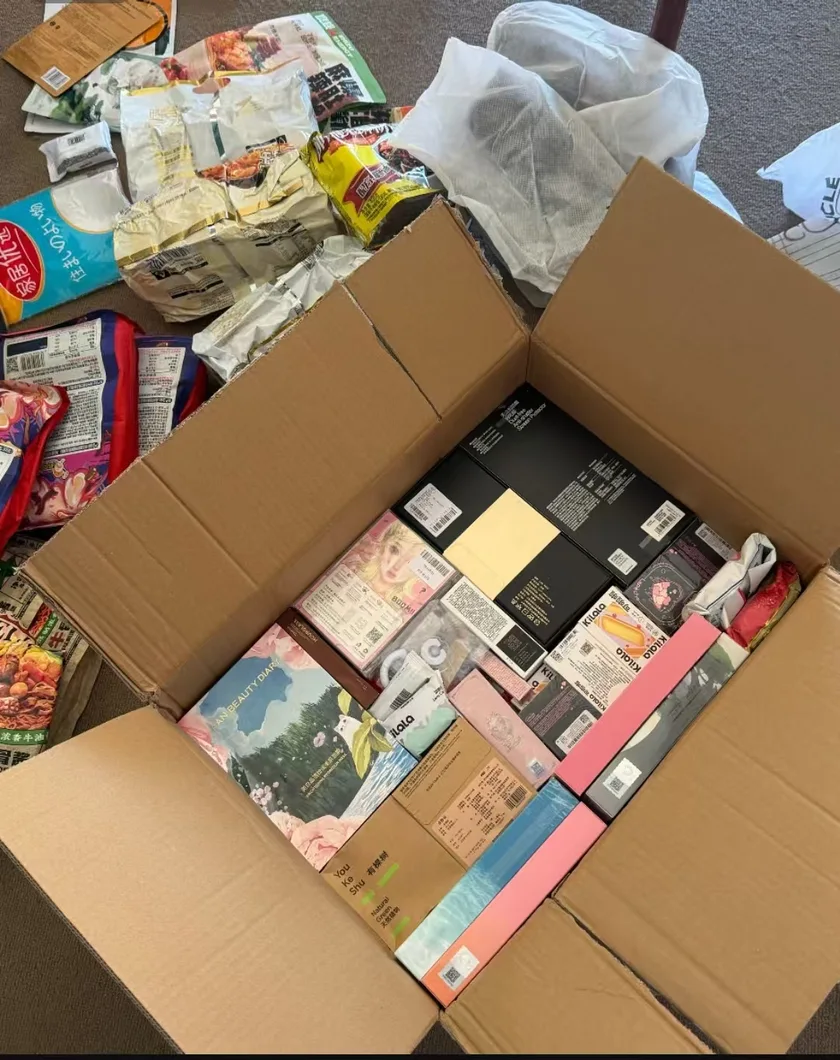
Organize parcels as requested; consolidate or retain original packaging after confirmation.
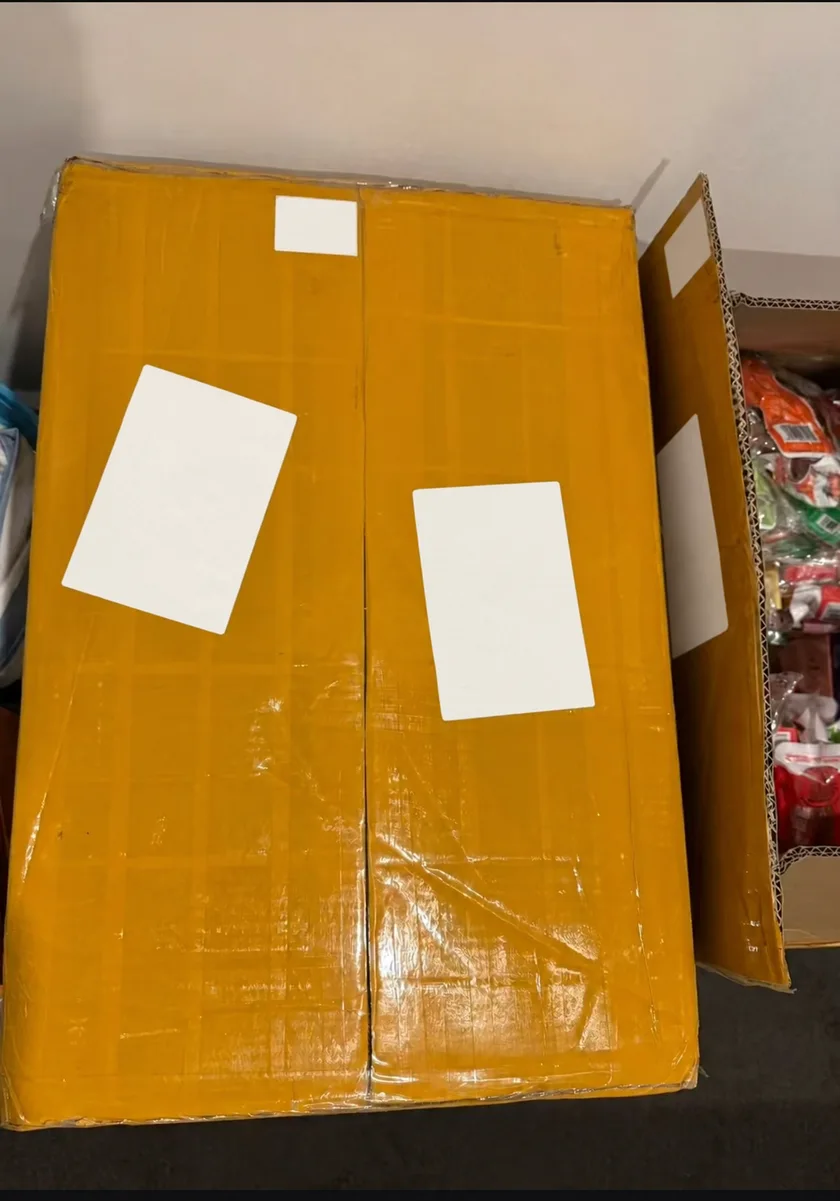
Check packaging and waybill details, and arrange dispatch according to order status.
Experiences shared by our customers.
Loading reviews…
Reviews are submitted by customers and moderated before publication. No automatic translation is applied.
Before you start
If you are unsure about an item, check before buying it, preparing it or sending it to the warehouse.
Share an item list, relevant properties and your destination first. Acceptance depends on the actual items, declaration requirements and available routes. Not every item can be shipped.
Yes, you can request shipping for a single parcel; consolidation is optional. Whether its original packaging can be used depends on its condition and the route requirements.
Open China warehouse address in your account and copy the assigned recipient, customer ID, phone number and address in full. Do not omit or change your identifying information.
Check the receiving records in My parcels, select the parcels for this shipment, then request packing / shipping and specify your groups and packing requirements. Other parcels can remain in storage.
Estimates use the destination, route, item properties and billing rules configured in the system. Final charges depend on actual packing, weight, dimensions and the confirmed quote. Check available routes on the shipping estimate page.
View uploaded arrival photos in My parcels. For shipping progress, open Tracking to see orders linked to your account or search with a tracking number. Only information actually uploaded and published is shown.
Check your items and destination, then use your own warehouse receiving details.